
Description
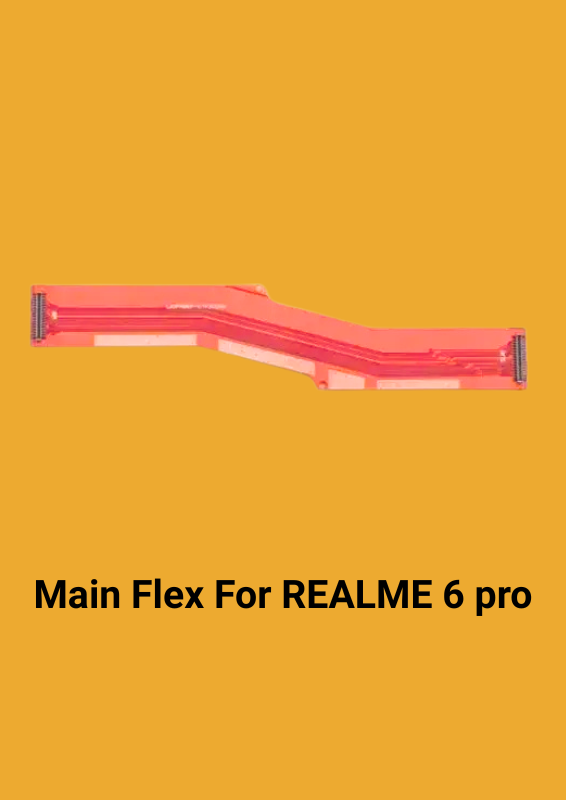
It sounds like you’re describing an LCD flex/Main flex cable for the REALME 6 PRO. Here’s how it works and what you should know about its replacement:
### Function of the LCD Flex/Main Flex Cable:
1. Connection: The LCD flex cable connects the display screen to the motherboard of your REALME 6 PRO. It transmits signals between the two components, enabling the screen to display images, colors, and touch inputs correctly.
2. Signal Transmission: It carries the electrical signals from the motherboard to the LCD screen, allowing the display to function properly. It also transmits touch input signals from the screen back to the motherboard.
3. Power Distribution: The cable provides power to the display, ensuring that the screen lights up and functions.
### Replacement Process:
1. Preparation: Before replacing the flex cable, ensure that you have the necessary tools, such as a screwdriver set, plastic prying tools, and tweezers. Also, power off the device to avoid any electrical hazards.
2. Disassembly: Carefully disassemble the phone by removing screws and using plastic prying tools to open the case. This usually involves removing the back cover or front screen, depending on the phone’s design.
3. Locate the Cable: Find the old LCD flex cable. It is typically connected to the motherboard and the LCD screen with connectors or adhesive.
4. Disconnect the Old Cable: Gently disconnect the old cable from both the motherboard and the LCD screen. Be careful not to damage any surrounding components.
5. Install the New Cable: Connect the new flex cable to the motherboard and the LCD screen. Ensure it is aligned properly and securely connected.
6. Reassembly: Once the new cable is installed, reassemble the phone by putting the case back together and securing it with screws.
7. Testing: Power on the device to ensure the display functions correctly and that the touch input is responsive.
### Notes:
– Quality: Using a high-quality flex cable ensures compatibility and reliability, making the repair process smoother and enhancing the overall performance of the device.
– Professional Help: If you’re unsure about replacing the cable yourself, consider seeking professional repair services to avoid damaging your device.
By following these steps, you can successfully replace the damaged LCD flex cable and restore your REALME 6 PRO to optimal functionality.
Reviews
There are no reviews yet.