
Description
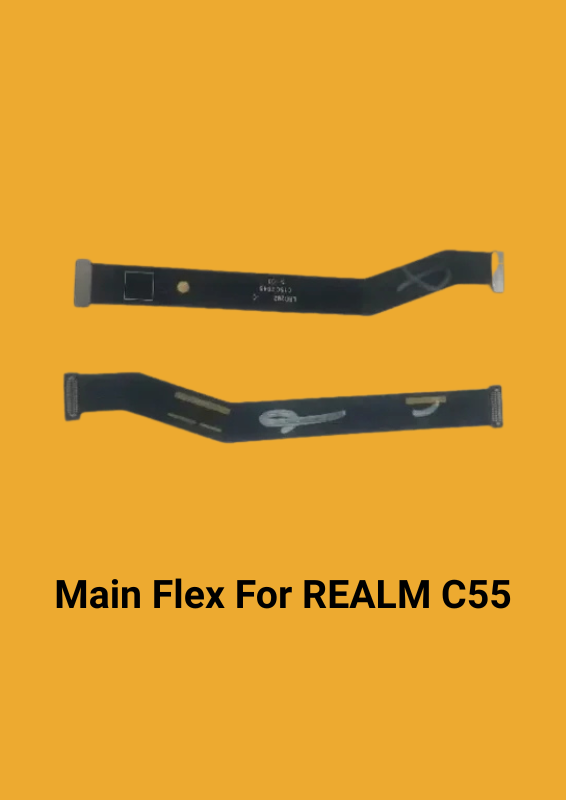
The LCD flex/main flex cable for the REALME C55 is a crucial component that connects the display (LCD) to the motherboard of your device. Here’s a breakdown of its purpose and how it works:
### Purpose:
– Connectivity: It serves as a bridge between the LCD screen and the motherboard, allowing for the transmission of display data and power between the two.
– Functionality: It ensures that the display functions properly by transmitting signals that control the visuals you see on the screen.
### How It Works:
1. Signal Transmission: The flex cable carries electrical signals from the motherboard to the LCD. These signals are what control the pixels on your screen, displaying images, videos, and text.
2. Power Delivery: It also transmits power from the motherboard to the LCD, ensuring that the screen is powered on and operational.
3. Flexibility and Fit: The cable is designed to be flexible and fit precisely with the REALME C55’s display motherboard, which helps maintain a stable connection and ensures the screen operates smoothly.
### Replacement Process:
1. Turn Off the Device: Before beginning the replacement, make sure the device is powered off to avoid any electrical issues.
2. Remove the Old Cable: Carefully disconnect the damaged flex cable from both the LCD and the motherboard.
3. Install the New Cable: Connect the new flex cable to the motherboard and LCD. Ensure it fits snugly and is properly aligned.
4. Test the Device: Power on the device to check if the display functions correctly with the new cable.
Replacing a damaged flex cable with a new one should restore the functionality of your screen and improve the overall performance of your device.
Reviews
There are no reviews yet.