
Description
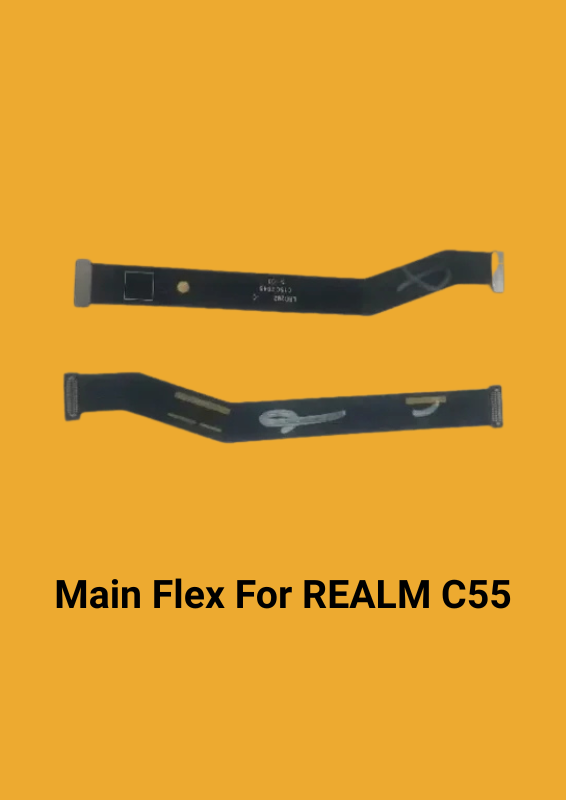
The LCD flex/main flex cable for the REALME C55 is a crucial component that connects the display (LCD) to the motherboard of your device. Here’s a breakdown of its purpose and how it works:
### Purpose:
– Connectivity: It serves as a bridge between the LCD screen and the motherboard, allowing for the transmission of display data and power between the two.
– Functionality: It ensures that the display functions properly by transmitting signals that control the visuals you see on the screen.
### How It Works:
1. Signal Transmission: The flex cable carries electrical signals from the motherboard to the LCD. These signals are what control the pixels on your screen, displaying images, videos, and text.
2. Power Delivery: It also transmits power from the motherboard to the LCD, ensuring that the screen is powered on and operational.
3. Flexibility and Fit: The cable is designed to be flexible and fit precisely with the REALME C55’s display motherboard, which helps maintain a stable connection and ensures the screen operates smoothly.
### Replacement Process:
1. Turn Off the Device: Before beginning the replacement, make sure the device is powered off to avoid any electrical issues.
2. Remove the Old Cable: Carefully disconnect the damaged flex cable from both the LCD and the motherboard.
3. Install the New Cable: Connect the new flex cable to the motherboard and LCD. Ensure it fits snugly and is properly aligned.
4. Test the Device: Power on the device to check if the display functions correctly with the new cable.
Replacing a damaged flex cable with a new one should restore the functionality of your screen and improve the overall performance of your device.

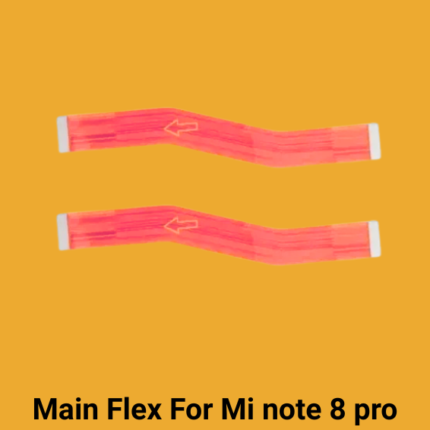
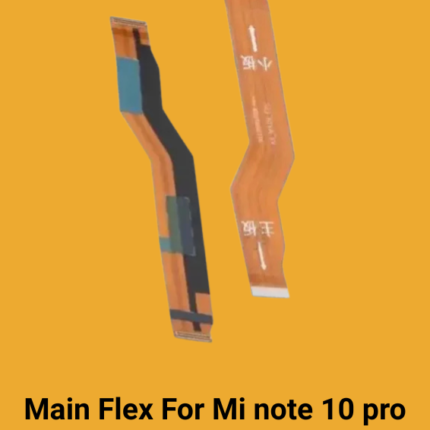
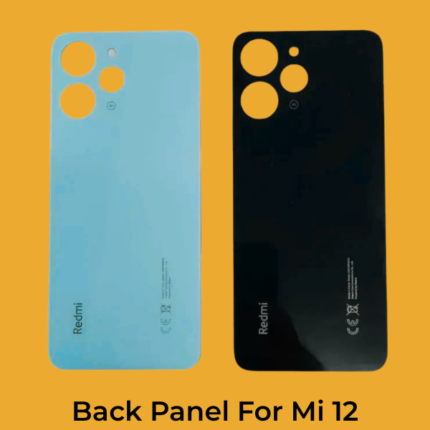 Back Panel For Mi 12 4G
 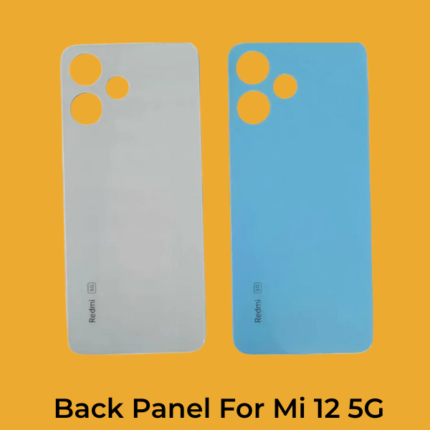 Back Panel For Redmi 12 5G
 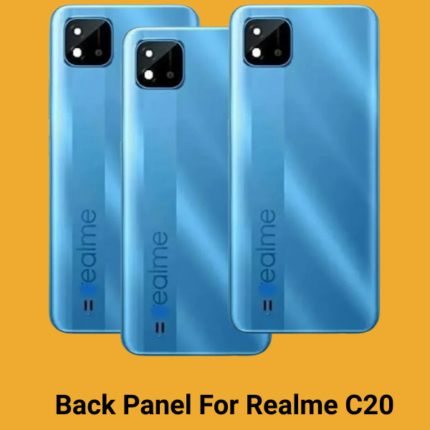 Back Panel For Realme C20
 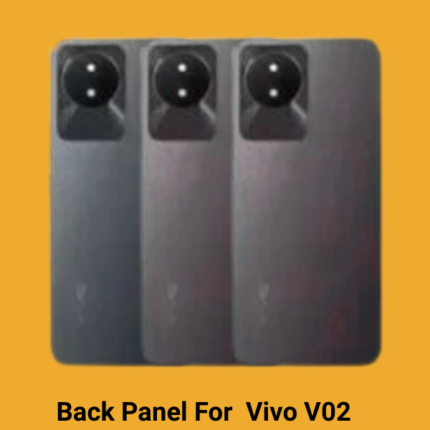 Back Panel For Vivo Y02
 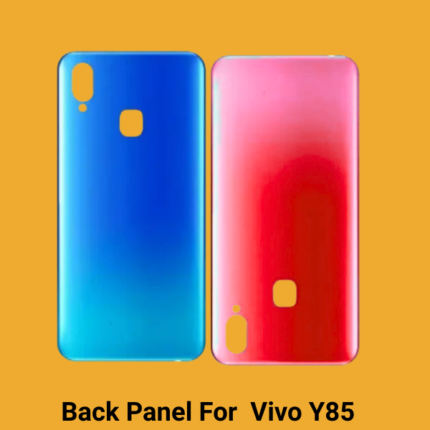 Back Panel For Vivo Y91
 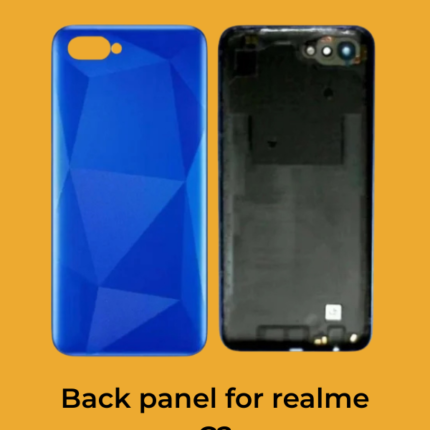 Back panel for realme C2
 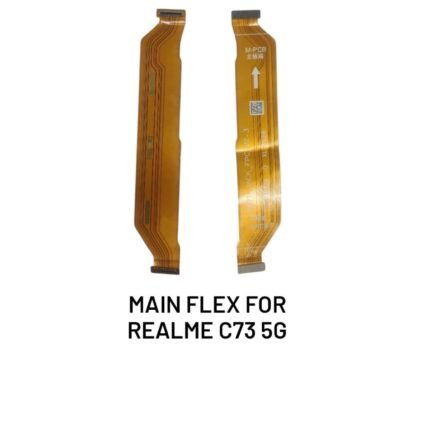 Main Flax For Realme C73
 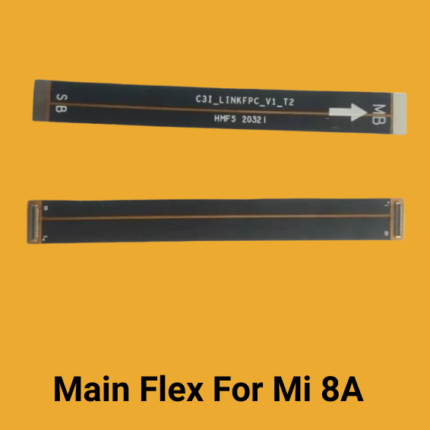 Main Flex For Mi 8A
Reviews
There are no reviews yet.