
T4 Metal Precision Screwdriver for Electronics Repair
Original price was: ₹88.00.₹35.00Current price is: ₹35.00.
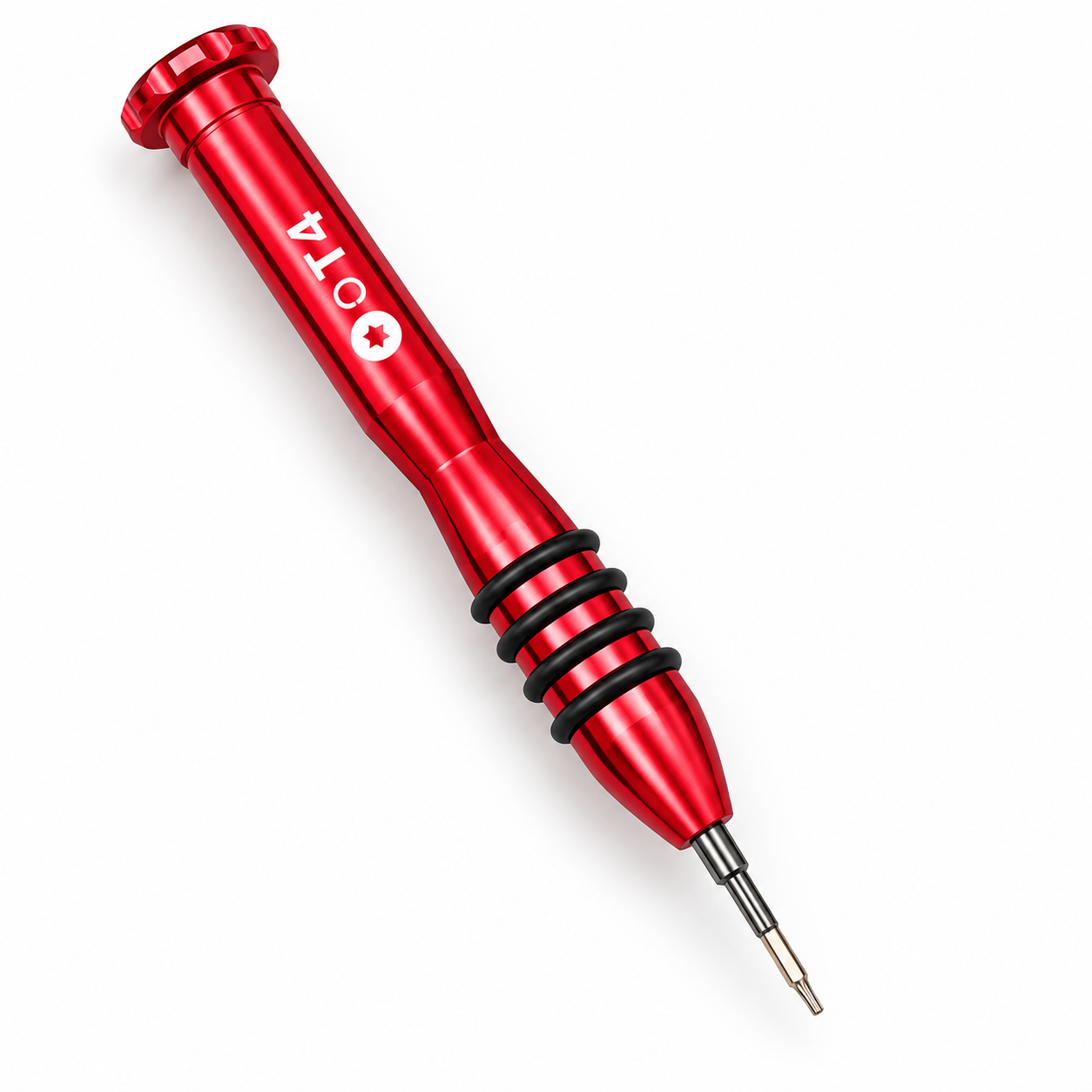
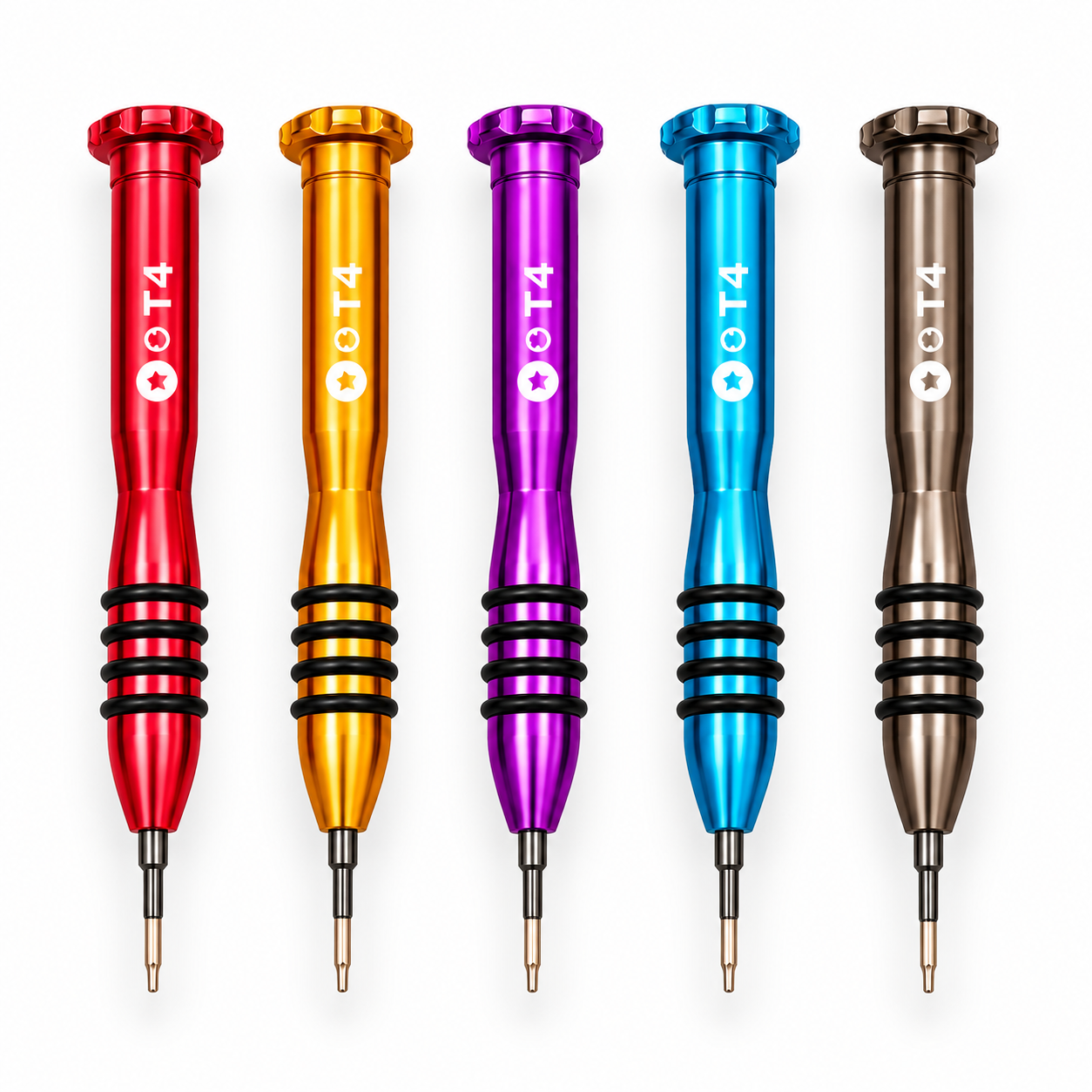
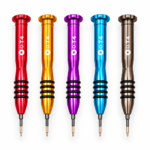
T4 Metal Screwdriver features a slim metal handle, black grip rings and a precision tip for matching T4 screws. Its shaped body and broad top cap provide convenient finger positioning during manual repair work. Available colour examples are shown; check the selected option and screw compatibility before ordering.
T4 Metal Screwdriver is a precision hand tool for working with matching T4 screws during electronics repair. Its slim metal body, black grip rings and narrow shaft create a practical design for controlled manual screw removal and installation.
The product shown features a metallic-coloured handle with a visible T4 marking. It can complement an electronics repair toolkit when the device’s repair instructions specify this screw size and drive type.
Table of Contents
- Product Overview
- Key Features
- Specifications
- Screw Compatibility
- Repair Applications
- Handling and Storage
- Frequently Asked Questions
T4 Metal Screwdriver: Product Overview
The screwdriver has a long, shaped metal handle with a tapered lower section. Black grip rings surround the area near the shaft, giving your fingers a defined place to hold the tool.
A broad, ridged top cap finishes the handle. The narrow shaft extends from the tapered nose, allowing the tip to be positioned on a suitable screw head.
The source photograph shows several metallic colour examples, including red, gold, purple, blue and dark bronze. Colour availability depends on the selected option or current assortment.
Key Features
- T4 size marking: Helps identify the tool among other precision screwdrivers.
- Metal handle: Provides a shaped body for manual operation.
- Black grip rings: Add texture around the lower gripping area.
- Slim shaft: Helps position the tip on suitable small screws.
- Broad top cap: Provides an additional contact point for finger positioning.
- Multiple colour examples: Allows easy visual distinction within a repair workspace.
- Reusable hand tool: Can be stored with other precision drivers between jobs.
Product Specifications
| Specification | Details |
|---|---|
| Product type | Precision screwdriver |
| Marked size | T4 |
| Handle | Metal |
| Grip design | Black rings around the lower handle |
| Operation | Manual |
| Colour examples | Red, gold, purple, blue and dark bronze |
| Intended fastener | Matching T4 screw |
| Selling quantity | As stated in the selected product option |
Check Compatibility Before Use
Choose the T4 Metal Screwdriver according to the screw itself or the device’s repair instructions. A device brand alone does not establish which screwdriver is required.
Phones, laptops and other electronic devices can contain several screw types within the same assembly. Confirm the head pattern and size before applying turning force.
The tip should seat correctly in the matching screw head. If it rocks, slips or does not enter properly, stop and recheck the required tool. Do not treat a T4 marking as a substitute for another screw size or drive pattern.
Magnetism, electrical insulation and security-screw compatibility are not established by the supplied photograph. Confirm those features separately if your work requires them.
Applications for T4 Metal Screwdriver
Electronics Disassembly
Use the tool where a device or component assembly specifies matching T4 screws. Keep removed screws organised so they can be returned to their original positions during reassembly.
Mobile Repair Workstations
The screwdriver can be included in a mobile repair toolkit alongside other required driver sizes. Select it only for compatible fasteners rather than assuming it suits every screw used in a phone.
Laptop and Small-Device Maintenance
Consider the T4 Metal Screwdriver for assemblies that specifically require T4. Check the repair guide first, as different models and internal sections may use different fasteners.
Organised Repair Toolkits
The visible T4 marking and coloured handle help distinguish this tool from other drivers. Store it in a dedicated location so the correct size can be selected without repeatedly comparing tips.
Handling and Storage
Disconnect the device from external power before repair and follow the appropriate servicing instructions. Work on a stable surface with adequate lighting.
Seat the driver straight in the screw head and apply controlled manual pressure. Avoid using the screwdriver as a lever, pry tool or punch, which can damage the tip or surrounding components.
Wipe the handle and shaft with a soft, dry cloth after use. Keep the tool dry and protect its tip from impact during storage. Inspect the tip regularly and replace the tool if it becomes damaged or no longer seats correctly.
For broader repair-learning resources, explore iFixit repair guides. Follow the guide for your exact device rather than relying on general brand compatibility.
Visit Great Choice to browse mobile spare parts, accessories and repair-related tools.
Related products

Heat Insulation Silicone Repair Big Blue Mat
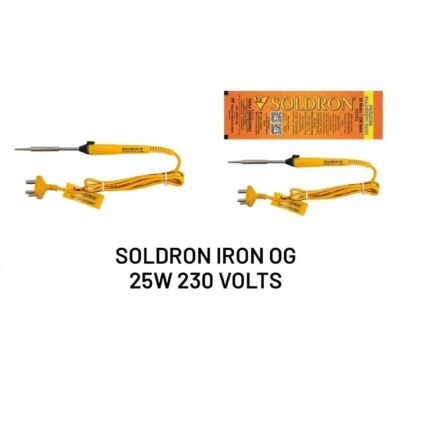
Mobile Repairing Tools For Iron Soldering Og 25w (230volts)
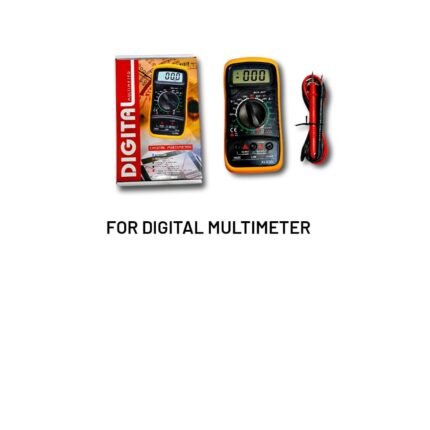
Mobile Repairing Tools For Digital Meter


Mobile Repairing Tools For I phone Battery Buster No w 113
Mobile Repairing Tools Soldering Iron 5in1 Bit