
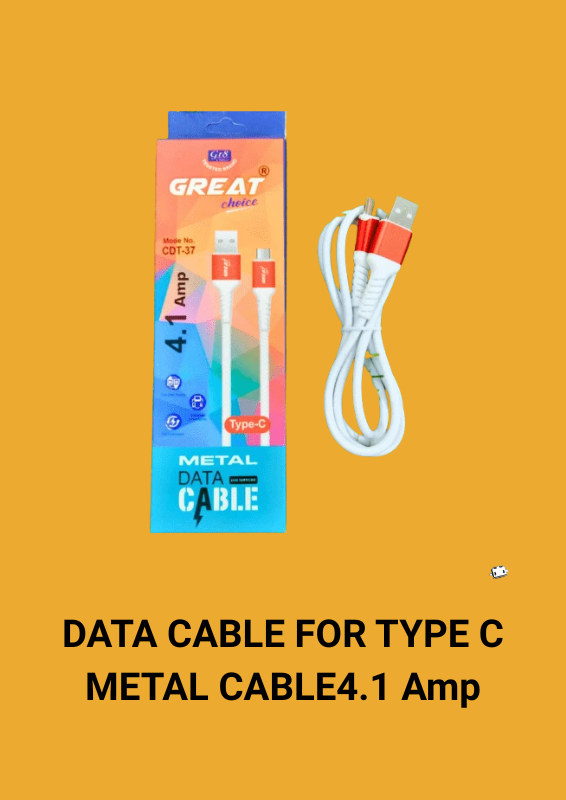
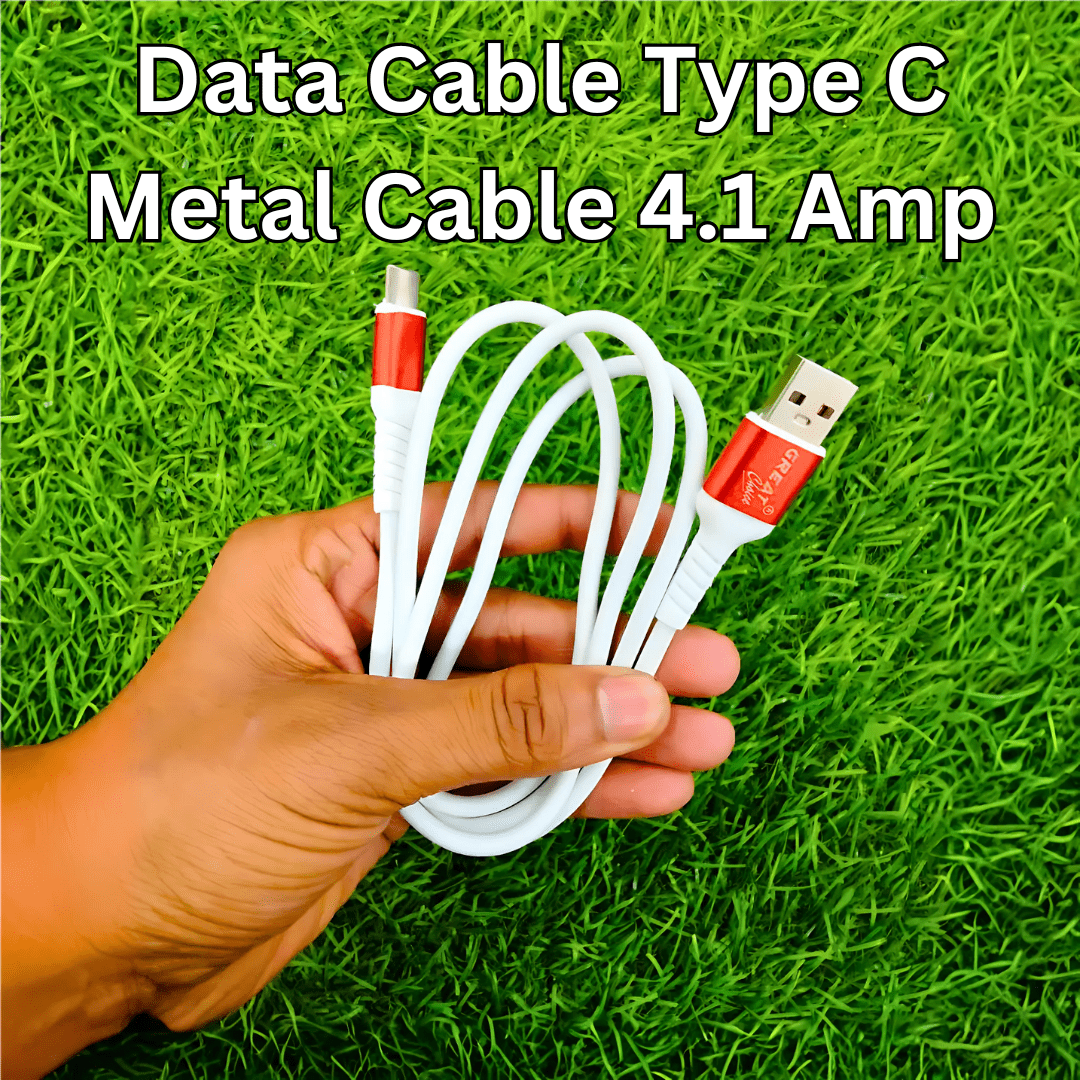

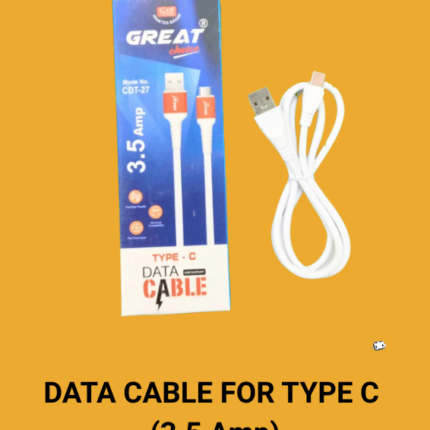
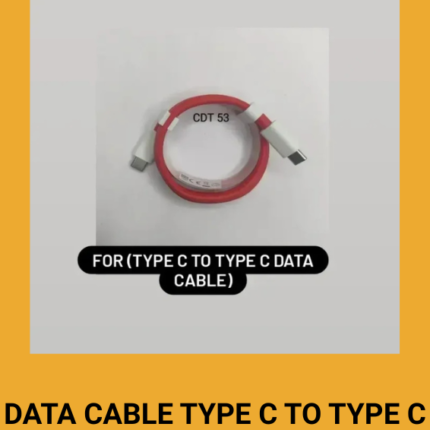
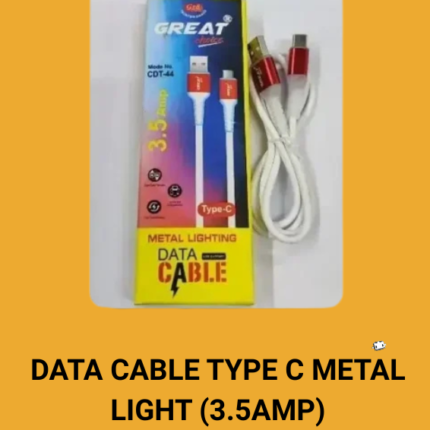
DATA CABLE FOR TYPE C METAL CABLE4.1 Amp
Original price was: ₹35.00.₹26.00Current price is: ₹26.00.
- TYPE C CABLE
- FAST CHARGING
- FAST SYNCING
- ELEGANT DESIGN
- TOP QUALITY
- DATA TRANSFER
- 6 Month warranty
A data cable is a vital accessory for connecting electronic devices, allowing for the transfer of data and power between them. A website dedicated to data cables can provide in-depth information on various aspects, including:
Types of Data Cables
1. USB Cables:
– USB-A to USB-B: Common for printers and older devices.
– USB-A to USB-C: Used for connecting newer devices to standard USB ports.
– USB-C to USB-C: Increasingly common, supporting faster data transfer and charging.
– Micro-USB: Once standard for many devices but now largely replaced by USB-C.
2. Lightning Cables:
– Exclusive to Apple devices, used for iPhones, iPads, and certain iPods.
3. Thunderbolt Cables:
– High-speed data transfer and power delivery, primarily used for computers and high-performance devices.
4. HDMI Cables:
– Transmit high-definition video and audio between devices like TVs, monitors, and gaming consoles.
5. Ethernet Cables:
– Used for wired internet connections, supporting various speeds from standard Ethernet to Gigabit Ethernet.
Key Features
– Data Transfer Speed:
– Measured in Mbps or Gbps. USB 3.0, for example, offers speeds up to 5 Gbps, while USB 3.1 and USB-C can go up to 10 Gbps and higher.
– Thunderbolt 3 and 4 support speeds up to 40 Gbps.
– Charging Capability:
– Many data cables also support power delivery. USB-C cables, for instance, can carry up to 100W of power, enabling fast charging.
– Durability:
– Factors like braided exteriors, reinforced connectors, and strain reliefs enhance the durability of data cables.
– Some cables are designed to be more resistant to tangling and wear.
Common Issues and Solutions
– Compatibility: Ensuring the cable is compatible with the devices in terms of connector type and supported standards.
– Slow Data Transfer: Could be due to using an older cable standard or a faulty cable. Upgrading to a higher-standard cable often resolves this issue.
– Charging Issues: Using a cable that supports higher power delivery can improve charging times. Always use certified cables to avoid damage to devices.
– Cable Wear and Tear: Regularly inspecting cables for damage and using protective accessories like cable organizers can extend their lifespan.
Innovations in Data Cable Technology
– USB4: Combines the capabilities of USB and Thunder
Related products
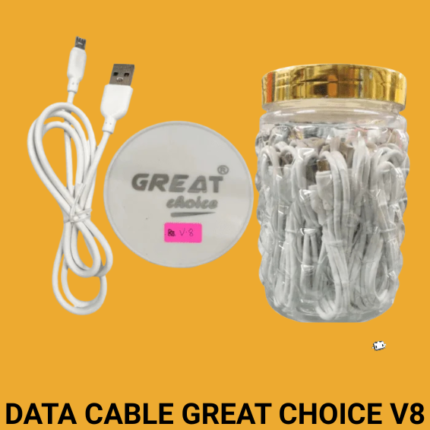
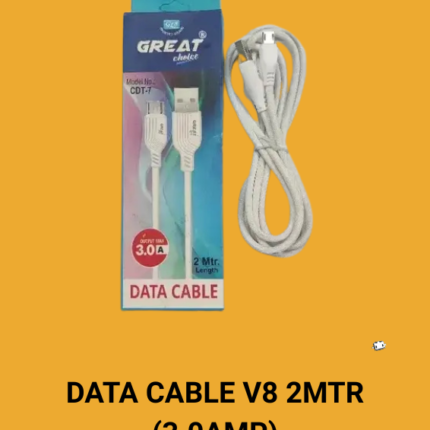
DATA CABLE GREAT CHOICE V8 (With plastic zaar)

Reviews
Clear filtersThere are no reviews yet.