

Blog
Smartphone Vibration Motor Problems: Causes & Repair

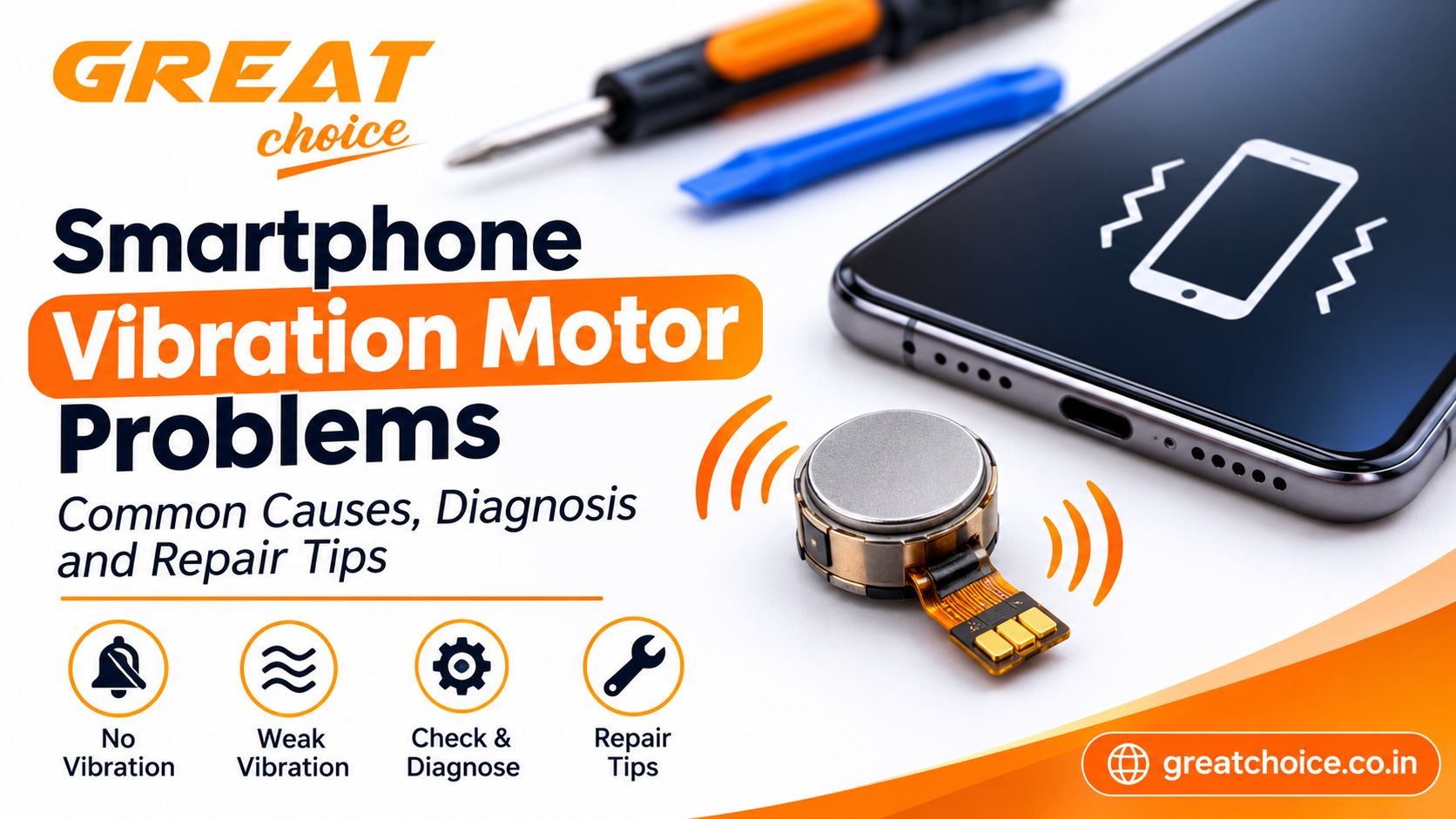
Smartphone Vibration Motor Problems: Common Causes, Diagnosis and Repair Tips
A smartphone vibration motor plays an important role in everyday communication. It alerts users about incoming calls, messages, notifications and alarms without requiring loud sound.
When vibration stops working or becomes unusually weak, users may miss important notifications. For mobile repair technicians, identifying the actual cause is important before replacing any component.
In this guide, we will explore common smartphone vibration motor problems, basic troubleshooting methods and important repair considerations.
What Is a Smartphone Vibration Motor?
A vibration motor is a small component inside a smartphone that creates vibrations when the device receives a supported alert or when a vibration feature is activated.
Depending on the phone model, manufacturers may use different motor technologies and designs. Some devices use compact rotating motors, while others use linear vibration actuators that create more precise feedback.
The component and its installation method vary by smartphone model.
Common Signs of Vibration Motor Problems
A faulty vibration system may show one or more of these symptoms:
- No vibration: The phone does not vibrate during calls, messages or supported alerts.
- Weak vibration: Feedback is noticeably softer than before.
- Unusual noise: The phone produces rattling or buzzing sounds during vibration.
- Intermittent vibration: The motor works sometimes but stops unexpectedly.
- Delayed response: Vibration starts late or behaves inconsistently.
These symptoms do not always mean the motor is damaged. Settings, software issues and physical obstructions may also affect vibration.
1. Check Vibration Settings First
Before opening the smartphone, check whether vibration is enabled.
Review the following settings:
- Incoming call vibration
- Notification vibration
- Alarm vibration
- Touch or haptic feedback
- Do Not Disturb settings
- Sound and vibration profiles
Some smartphones allow separate vibration controls for different applications. Make sure the relevant settings are enabled.
2. Restart the Smartphone
Temporary software glitches can sometimes affect vibration behaviour.
Restart the phone and test vibration again using an incoming call, alarm or built-in diagnostic feature where available.
If the issue started after a software update or application installation, check whether the manufacturer has released another update or troubleshooting guidance.
3. Inspect for Physical Damage
If basic troubleshooting does not solve the problem, physical damage may be involved.
A smartphone that has been dropped or exposed to moisture may develop problems with internal components or connections.
A technician should inspect the device carefully and follow the model-specific disassembly procedure. Avoid opening a phone without suitable tools and repair experience.
4. Common Hardware Causes
Damaged Vibration Motor
The motor itself may become faulty due to wear, impact or internal damage. A confirmed motor fault may require replacement with a compatible component.
Loose Connector or Flex Cable
Some smartphone designs use connectors or flex cables to connect internal components. A loose or damaged connection may interrupt vibration.
Incorrect Component Installation
If the phone was repaired previously, incorrect fitting or an incompatible replacement component may cause vibration problems.
Moisture or Corrosion
Liquid exposure can affect internal contacts and electronic components. A proper inspection is needed before deciding which part requires repair.
Mainboard-Related Fault
In certain cases, the issue may involve the circuitry responsible for controlling the vibration motor. These faults require more advanced diagnosis.
5. How Mobile Repair Technicians Can Diagnose the Problem
A systematic diagnostic process helps avoid unnecessary replacements.
- Confirm the customer’s reported symptoms.
- Check vibration and notification settings.
- Restart the device and test different vibration functions.
- Inspect the phone for signs of impact or liquid damage.
- Follow the correct model-specific disassembly procedure.
- Inspect the motor, connectors and surrounding components.
- Use suitable diagnostic methods to confirm the faulty part.
- Test vibration again after completing the repair.
Do not replace the motor simply because vibration is weak. First rule out software settings, connection problems and other possible causes.
6. Choosing the Right Replacement Vibration Motor
If the motor is confirmed to be faulty, selecting a compatible replacement is essential.
Before ordering a component, check:
- Exact smartphone model and variant
- Motor design and physical dimensions
- Connector and contact arrangement
- Compatibility with the device
- Component condition and supplier information
Parts that look similar are not necessarily interchangeable. Always verify compatibility before installation.
Mobile repair professionals can explore mobile spare parts and accessories for information about commonly used smartphone components.
7. Why Suitable Repair Tools Matter
Modern smartphones contain compact components that require careful handling.
Precision screwdrivers, opening tools, tweezers and other appropriate equipment can help technicians work more accurately during inspection and replacement.
Explore the Great Choice mobile repairing tools page to learn more about tools used in smartphone repair work.
8. Final Testing After Repair
After completing the repair, test the phone before returning it to the customer.
Check:
- Incoming call vibration
- Notification vibration
- Alarm vibration
- Touch feedback, if supported
- Vibration consistency
- Unusual noise or movement
Testing multiple functions helps confirm that the problem has been resolved.
Conclusion
Smartphone vibration motor problems can result from incorrect settings, software glitches, damaged connections or a faulty motor. A proper diagnosis helps identify the actual cause and prevents unnecessary component replacement.
For mobile repair technicians, model compatibility, careful component handling and final testing are essential parts of reliable repair work.
Great Choice supports mobile repair professionals, retailers and businesses with mobile spare parts, accessories and repairing tools.
Visit Great Choice to explore products and resources for the mobile repair and accessories industry.